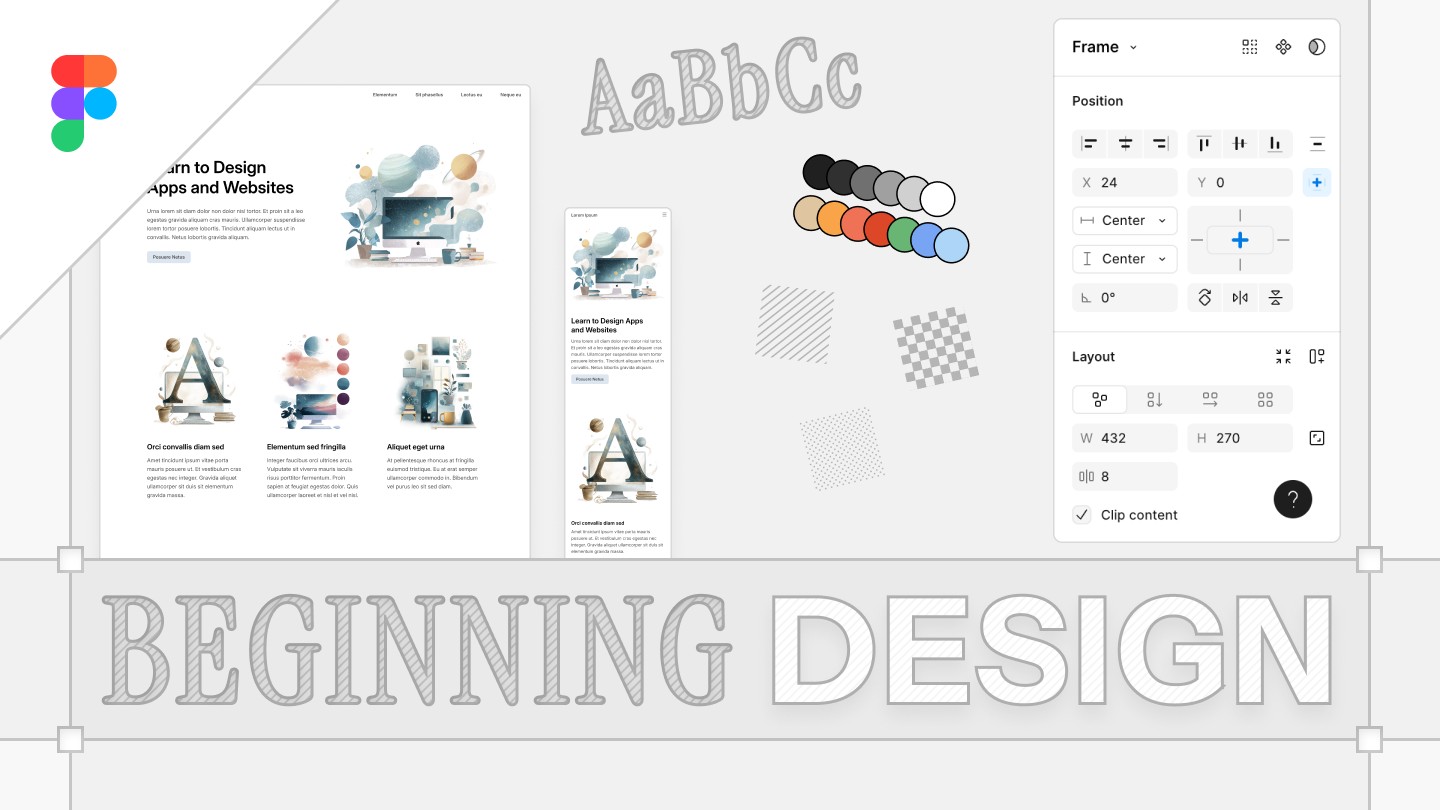
Intro to Product Design
Learn the basics of the Figma Design Editor so you can design websites, apps and more
Note: This course unlocks Advanced Product Design.
Want to design websites or apps? This course will give you the skills. I will show you how to use Figma, a powerful design tool, to plan and mock-up user interfaces. Under my guidance, you will improve rapidly as you become familiar with how Figma works and you develop an eye for visual design.
What we’ll learn:
- The basics of Figma: frames, text, images, layers, Auto Layout...
- Visual layout fundamentals: spacing, margins, whitespace, proportion, hierarchy, composition...
- UI design patterns: Cards, buttons, navigation, articles, landing pages...
- Style and taste: How to use fonts, colors, shapes, images and more to communicate.
What you’ll need:
Make a Figma account. That’s it. Oh, and if you work in Figma outside of class you’ll improve way faster. Try playing around and see what you can create.
What even is Figma?
Figma is a cloud-based design tool used by software teams worldwide. It allows designers to create, collaborate on, and prototype user interfaces for websites, mobile apps, and other digital products. Figma is extremely versatile, and can be used for all sorts of projects, from card game design to storyboarding.